Core Web Vitals for Automatic AI Blogs: A Non-Technical Guide for Small Businesses
A practical Core Web Vitals guide for small-business owners who want more Google visibility without becoming web developers.
Explore simple SEO growth ideas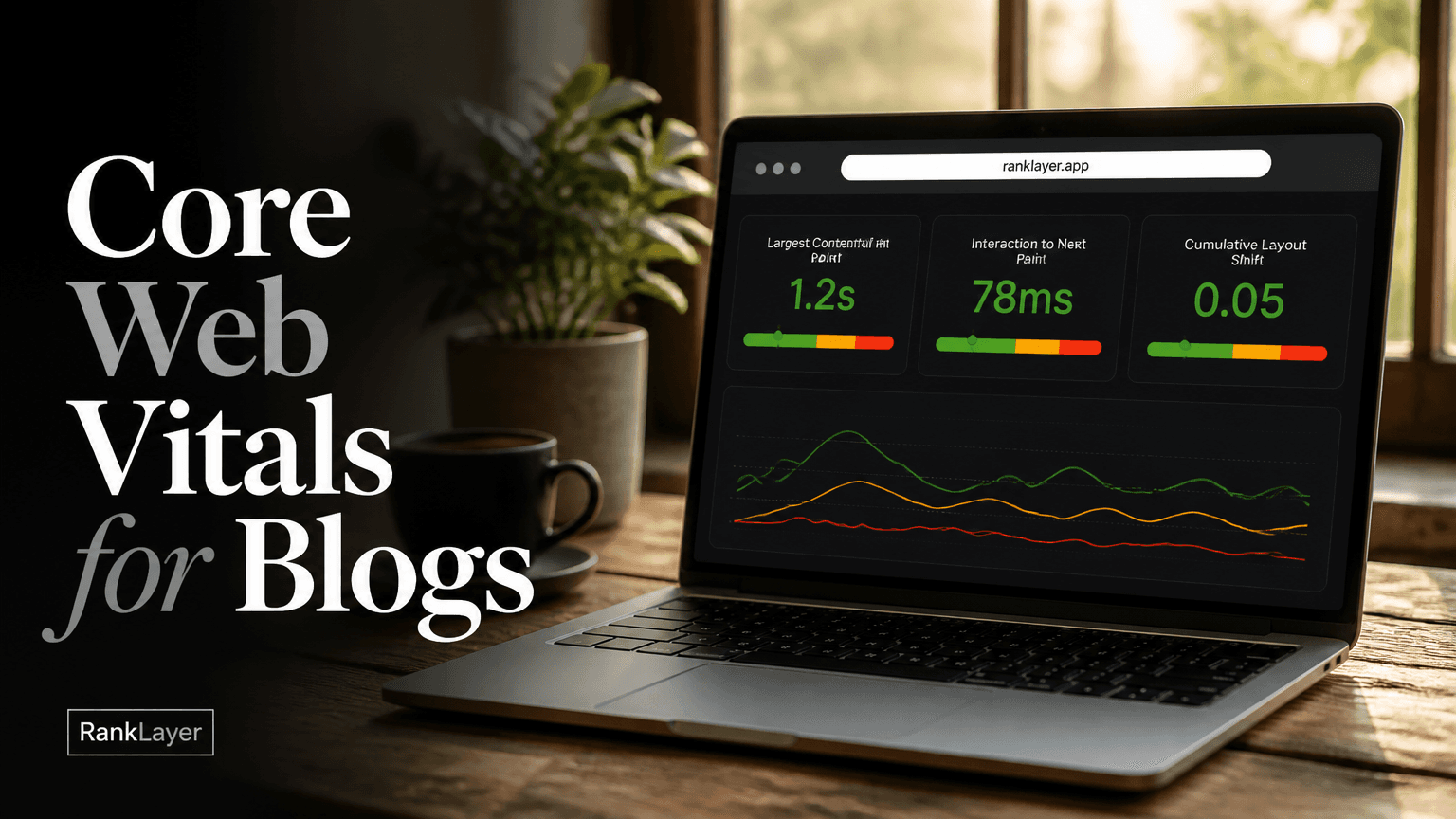
In this article7 sections
- What are Core Web Vitals, and why do they matter?
- Core Web Vitals thresholds explained without technical jargon
- How to test Core Web Vitals for your blog without a developer
- Ten practical Core Web Vitals fixes you can start in 30 minutes
- What Core Web Vitals can and cannot do for AI citations
- How RankLayer-hosted blogs simplify Core Web Vitals work
- A simple prioritization plan for small-business owners
What are Core Web Vitals, and why do they matter?
Core Web Vitals are Google’s way of measuring whether a webpage feels fast, stable, and responsive to a real visitor. For an automatic AI blog, Core Web Vitals help answer a very practical question: can someone open your article, read it, and interact with it without waiting or chasing buttons around the screen? You do not need to understand code to benefit from the answer. The three main measurements are Largest Contentful Paint, Interaction to Next Paint, and Cumulative Layout Shift. In plain English, they measure how quickly the main content appears, how quickly the page reacts when someone clicks or taps, and whether the page jumps around while loading. Google considers these measurements as part of page experience, alongside other factors such as mobile usability, security, and intrusive interstitials. You can verify the official definitions in Google’s Core Web Vitals documentation. This matters because a slow blog wastes the attention you worked hard to earn. Imagine a local dentist publishing an article about emergency appointments. If the page takes too long to show the answer, a visitor may leave before finding the phone number. The same thing can happen to an online store, SaaS company, restaurant, or freelancer. Good content cannot do much if the page feels like it is still putting on its shoes. Core Web Vitals are not a magic ranking switch, and passing them does not guarantee first-page rankings. Relevance, helpfulness, authority, links, search intent, and technical accessibility still matter. Think of performance as the floor rather than the entire house. A fast, usable page gives your content a better environment to compete in Google and gives people a better chance of staying long enough to trust your business.
Core Web Vitals thresholds explained without technical jargon
You will usually see Core Web Vitals reported with three labels: Good, Needs Improvement, and Poor. Google evaluates these results at the 75th percentile, which means the target is based on the experience of most visitors, not only the fastest person on a perfect Wi-Fi connection. That is why a page can feel fast on your laptop but still show problems in Search Console for mobile visitors using slower networks. Largest Contentful Paint, or LCP, measures how quickly the largest visible piece of content appears. This is often the headline, featured image, or main content area. A Good result is 2.5 seconds or less. Between 2.5 and 4 seconds needs improvement, while anything above 4 seconds is considered Poor. For a blog article, LCP is often affected by the hosting response, the hero image, fonts, and large scripts. Interaction to Next Paint, or INP, measures how quickly the page responds after a visitor interacts with it. A Good result is 200 milliseconds or less. Between 200 and 500 milliseconds needs improvement, and above 500 milliseconds is Poor. You can think of INP as the difference between a button that responds immediately and one that makes you wonder whether your tap worked. Cumulative Layout Shift, or CLS, measures unexpected movement on the page. A Good score is 0.1 or less, while 0.1 to 0.25 needs improvement and anything above 0.25 is Poor. If a visitor tries to tap a menu and the page shifts so they hit an advertisement or another link instead, that is a frustrating layout shift. Google’s page experience documentation explains how these signals fit into broader search quality considerations. For a small business, do not obsess over tiny score differences. Prioritize any metric marked Poor, then work on Needs Improvement pages that receive meaningful traffic or generate leads. A page improving from Poor to Good is usually more valuable than spending an afternoon trying to move an already healthy score from 0.08 to 0.06.
How to test Core Web Vitals for your blog without a developer
- 1
Open Google Search Console
Choose your blog property in Google Search Console and open the Core Web Vitals report under Experience. This report uses real visitor data when enough data is available, so it is more useful for understanding your audience than testing only your own device.
- 2
Look for groups, not isolated URLs
Search Console groups pages that appear to have similar performance problems. If dozens of articles share the same template, one underlying issue may affect all of them. Start with the group that has the most URLs or the most important traffic.
- 3
Check mobile before desktop
Most small-business visitors discover content on phones, especially when searching for local services, restaurants, and quick product answers. Review the mobile report first, then check desktop to see whether the problem is device-specific.
- 4
Open a sample page from each problem group
Select a few representative URLs rather than trying to inspect every page. Choose one recent article, one older article, and one page that receives traffic. This helps you avoid fixing a single unusual page while missing a template-wide issue.
- 5
Run a PageSpeed Insights check
Paste one representative URL into Google PageSpeed Insights. The lab test gives you immediate clues, while the field data shows how real visitors experienced the page over time. Treat the lab score as a diagnostic, not as your entire SEO report card.
- 6
Record the metric and the likely cause
Write down whether the issue is LCP, INP, or CLS, along with the page type and device category. For example, “mobile LCP, article template, featured image” is much more useful than “the website is slow.”
Ten practical Core Web Vitals fixes you can start in 30 minutes
- ✓Test on a phone using mobile data, not only on your office Wi-Fi. This gives you a quick reality check for the audience most likely to discover local and practical content while away from a desk.
- ✓Remove unnecessary pop-ups, chat widgets, and animated banners. Each extra script can delay the page or compete with the content your visitor came to read.
- ✓Use one clear hero image instead of several large images above the fold. The first screen should answer the visitor’s question, not create a small photography exhibition.
- ✓Compress oversized images before uploading them. A 3 MB image is often much larger than a blog article needs, especially on a phone.
- ✓Avoid autoplay video in the opening section. Video can consume bandwidth, delay the main content, and distract from the article’s primary answer.
- ✓Check whether the page jumps when images, forms, or promotional boxes load. If it does, ask your hosting or platform provider to reserve space for those elements.
- ✓Keep the first paragraph and main answer near the top of the page. Visitors should not have to scroll past decorative sections before finding useful information.
- ✓Limit third-party tracking tools to the ones you actually use. Google Analytics, a conversion pixel, and a booking tool may be useful, but ten overlapping scripts are rarely doing ten times the work.
- ✓Retest after every meaningful change. If a score improves, check that the page still has working forms, analytics, calls to action, and readable text.
- ✓Prioritize pages that bring business results. A fast page with no visitors is nice; a faster page that receives 500 monthly visits and generates appointments is a much better use of your afternoon.
What Core Web Vitals can and cannot do for AI citations
A common question is whether passing Core Web Vitals makes ChatGPT, Gemini, Perplexity, or Claude cite your business. There is no published Core Web Vitals threshold that guarantees an AI citation. These systems use changing combinations of relevance, source availability, authority, freshness, clarity, and retrieval access. Performance can support the experience around your content, but it is not a citation button hiding under the desk. Fast pages still matter indirectly. A page that loads reliably is easier for people to use, easier to share, and less likely to lose visitors before they see the answer. Clear headings, direct definitions, trustworthy business details, and well-structured answers make the content easier to understand. If you are working on the content side, this LLM-readability rubric for AI citations can help you review whether a page clearly answers the question it targets. Avoid a few tempting mistakes. Do not delete useful content just to make a page shorter, hide important information behind a pop-up, or remove every image simply because one image was too large. Do not treat a 100 score in a lab test as proof that all visitors have a perfect experience. And do not publish dozens of thin articles faster than you can review them. A technically fast blog with vague, repetitive content is still not very helpful to a customer or an answer engine. A better approach is to pair performance with answer quality. Put a short, accurate answer near the beginning, explain the reasoning below it, include concrete examples, and make your business identity easy to verify. For more guidance on source selection and AI visibility, see this beginner’s guide to how AI answer engines choose sources.
How RankLayer-hosted blogs simplify Core Web Vitals work
If you use a hosted automatic AI blog, you should not have to manage servers, caching rules, image delivery, or theme code by yourself. RankLayer includes hosting, so the platform is responsible for the underlying publishing environment while you focus on choosing useful topics and checking business accuracy. That does not remove the need to monitor performance, but it gives you a clear place to send platform-level problems instead of hiring a developer for every warning. A practical workflow is simple. Connect Google Search Console, review the Core Web Vitals report once a month, and use Google Analytics to identify pages that receive traffic or lead to important actions. If a whole group of RankLayer pages shows the same LCP or CLS problem, capture three example URLs, the affected device type, and the date you noticed it. Send that small evidence package to support instead of saying only, “My SEO is broken.” RankLayer can typically address platform-level concerns such as hosting behavior, page templates, publishing infrastructure, and the way standard blog elements are delivered. You should handle business-level decisions such as removing an unnecessary tracking script, choosing a lighter image, reducing promotional clutter, or changing a call to action. If you use a custom domain, analytics, Facebook Pixel, Zapier, or other integrations, mention them when reporting a performance issue because third-party tools can affect the visitor experience. For a weekly routine, spend five minutes checking Analytics for unusual drops in landing-page traffic, five minutes checking Search Console for new Core Web Vitals warnings, and ten minutes reviewing one or two important pages on a phone. Use the remaining time to improve the most visible issue. This is far more sustainable for a small business than commissioning a giant technical audit that becomes a PDF nobody opens after lunch.
A simple prioritization plan for small-business owners
- 1
Start with revenue-connected pages
List the articles and landing pages that lead visitors to a booking form, product page, quote request, or store. Fixing performance there has a clearer business case than optimizing pages that have never attracted a visitor.
- 2
Fix template problems before individual pages
If every article has a slow opening image or a shifting announcement bar, ask the platform to investigate the shared template. One fix can improve many pages at once.
- 3
Separate platform issues from content issues
Slow server response, unstable layouts, and delayed scripts may require support. Oversized images, excessive embeds, and cluttered introductions can usually be improved through your content workflow.
- 4
Connect performance to engagement
Use Google Analytics to compare landing-page engagement, conversions, and mobile behavior before and after a change. Core Web Vitals are useful, but the real goal is helping more people read, trust, and contact you.
- 5
Review again after 28 days
Search Console field data takes time to reflect a broader visitor sample. Recheck after several weeks, especially if your site has modest traffic, and do not panic over a single day’s result.
Frequently Asked Questions
What are the recommended Core Web Vitals thresholds for a blog?▼
The recommended Good thresholds are LCP of 2.5 seconds or less, INP of 200 milliseconds or less, and CLS of 0.1 or less. Google evaluates these results at the 75th percentile, so the goal is a good experience for most visitors, not just for your fastest test. If a metric is marked Poor, fix that before chasing small improvements to an already healthy score.
How can I check Core Web Vitals if I am not technical?▼
Use Google Search Console for real visitor data and Google PageSpeed Insights for a quick page-level diagnosis. Search Console is useful for spotting patterns across many URLs, while PageSpeed Insights helps explain what may be slowing one page down. You only need to record the affected metric, device type, and a few example URLs before asking your hosting provider for help.
Do Core Web Vitals directly affect Google rankings?▼
Core Web Vitals are part of Google’s page experience signals, but they are not a standalone guarantee of rankings. A relevant and helpful page can still outrank a faster page when it better matches the searcher’s needs and has stronger overall signals. Treat performance as an important baseline that supports SEO rather than as a shortcut around content quality.
Do Core Web Vitals help my pages get cited by ChatGPT or Gemini?▼
There is no public rule saying that an AI answer engine will cite a page because it passes Core Web Vitals. However, fast and stable pages are easier for visitors to use, and clear, accessible content is easier for systems to retrieve and interpret. Improve performance alongside accurate answers, strong source signals, clear business information, and content that directly matches real customer questions.
What should I fix first if my automatic blog has poor Core Web Vitals?▼
First, identify whether the problem is LCP, INP, or CLS and whether it affects mobile, desktop, or both. Next, check if many pages share the same template, because a platform-level fix may improve the entire group. Prioritize pages that receive traffic or generate leads, then test images, pop-ups, third-party scripts, and layout changes before requesting deeper technical help.
Can an automatic AI blog be fast without WordPress or a website team?▼
Yes, a hosted blog can remove much of the server and maintenance work that normally falls on a small business owner. You still need to monitor important pages and avoid adding heavy images, excessive widgets, or unnecessary scripts. With built-in hosting and a simple Search Console routine, you can manage the most important performance decisions without becoming a developer.
How often should a small business check Core Web Vitals?▼
A monthly Search Console review is a sensible baseline for most small businesses, with an extra check after a major template, integration, or design change. You can also review your most important pages on a phone each week. The goal is not to stare at scores every morning, but to catch meaningful problems before they affect visitors and leads.
Build a healthier search presence without the technical headache
Learn more about RankLayerAbout the Author
Vitor Darela de Oliveira is a software engineer and entrepreneur from Brazil with a strong background in system integration, middleware, and API management. With experience at companies like Farfetch, Xpand IT, WSO2, and Doctoralia (DocPlanner Group), he has worked across the full stack of enterprise software - from identity management and SOA architecture to engineering leadership. Vitor is the creator of RankLayer, a programmatic SEO platform that helps SaaS companies and micro-SaaS founders get discovered on Google and AI search engines