How to Evaluate Hosted AI Blog SLAs, Backups, and Content Portability
Use a plain-English checklist to compare uptime promises, recovery procedures, ownership terms, integrations, and migration readiness.
Explore RankLayer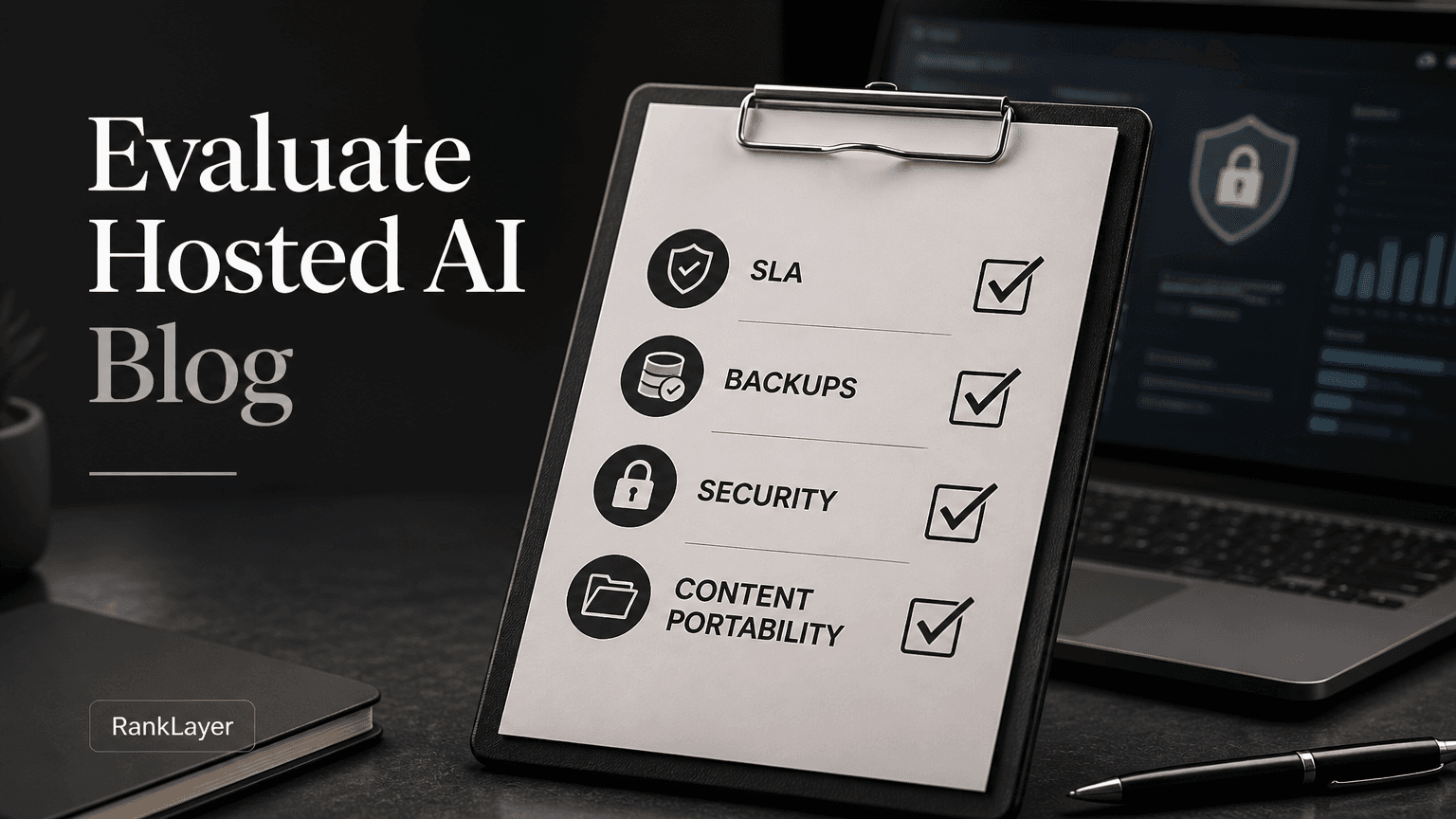
In this article8 sections
- Why a hosted AI blog SLA matters more than a feature list
- Hosted AI blog SLA scorecard: what to check before you buy
- How to evaluate hosted AI blog backups and recovery guarantees
- Content portability: who owns your blog and how easy is migration?
- How integrations and security controls affect portability
- A 30-day no-developer portability test
- Hosted AI blog versus self-hosted publishing: which approach fits?
- Final pass or fail checklist for a hosted AI blog
Why a hosted AI blog SLA matters more than a feature list
A hosted AI blog SLA, or service-level agreement, tells you what a provider promises when the service is unavailable, publishing fails, or your content becomes inaccessible. That matters whether you run an online store, a local clinic, a SaaS company, or a one-person consultancy. Your blog may be creating search visibility every day, so a quiet outage can become a very noisy business problem.
The first thing to understand is that uptime is not the same as SEO performance. A provider can keep the server online while articles fail to publish, domain mapping breaks, analytics stops recording, or important pages return an error. Evaluate the entire publishing chain, not just a large percentage printed on a pricing page.
For perspective, 99.9% monthly uptime allows roughly 43 minutes of downtime in a 30-day month. At 99.99%, the allowance falls to about 4 minutes and 19 seconds. Those numbers sound close, but the business impact can be very different during a product launch, holiday promotion, or high-intent publishing sprint.
A good SLA also defines what counts as downtime, how it is measured, which exclusions apply, and what remedy you receive. A vague promise such as “best effort availability” gives you very little leverage when your pages disappear during an important campaign.
Use this article alongside a broader automatic AI blog buyer’s guide if you are still comparing product categories. Here, we focus on the less glamorous questions that protect your investment after you sign up.
Hosted AI blog SLA scorecard: what to check before you buy
- ✓Uptime target: Look for a specific monthly or annual percentage, with a clear measurement window. For most small businesses, 99.9% is a reasonable starting point, but businesses publishing time-sensitive offers may need a stronger commitment.
- ✓Scope of the promise: Confirm that the SLA covers the public blog, domain mapping, publishing workflows, and critical dashboard functions. A provider may exclude the exact feature you rely on most.
- ✓Incident response: Separate response time from resolution time. A promise to acknowledge an outage within one hour is not a promise to restore service within one hour.
- ✓Publishing continuity: Ask what happens when an AI generation job, scheduled article, image process, or integration fails. A reliable system should show failed jobs and provide a practical retry or recovery path.
- ✓Maintenance notice: Check how much advance notice the provider gives for planned maintenance and whether emergency maintenance is treated differently.
- ✓Service credits: Credits are common, but they rarely replace lost leads. Treat them as evidence that the provider takes measurement seriously, not as compensation for every business consequence.
- ✓Status and communication: Look for a public status page, incident updates, support channels, and a post-incident explanation. Silence is not a recovery strategy.
- ✓Customer responsibility: Read exclusions for DNS errors, third-party analytics, expired domains, invalid tracking codes, and changes made by your team. Fair exclusions are normal, but they should be easy to understand.
- ✓Security and privacy boundaries: Ask where customer data is stored, who can access it, how accounts are protected, and whether the provider has documented security practices. A useful reference point is the AICPA explanation of SOC 2 reports and trust services criteria.
- ✓Termination terms: Confirm what happens to your content, domain connection, analytics history, and account data when you cancel. This belongs in the buying decision, not in a last-minute panic.
How to evaluate hosted AI blog backups and recovery guarantees
“We have backups” is not a complete answer. You need to know what is backed up, how often copies are created, how long they are retained, where they are stored, and whether the provider has actually tested restoration. A backup that cannot be restored is just a very optimistic file collection.
For a daily publishing platform, ask whether backups include article text, titles, metadata, images, redirects, internal links, templates, domain settings, and integration configurations. A database export containing article text may not be enough to rebuild the public site with the same URLs and search signals.
The terms recovery point objective and recovery time objective are useful even if you never touch a server. Recovery point objective means how much recent work you could lose. If backups run once every 24 hours, a failure might remove a day of edits or publishing history. Recovery time objective means how long restoration should take after a serious incident.
Ask for a realistic example. If a publishing error removes 20 articles or applies the wrong template to 200 pages, can the provider restore the affected version without rolling back your entire account? Good versioning and targeted rollback are often more useful than a single nightly backup.
You should also ask whether backups are isolated from the main system. Copies stored in the same account or environment may be vulnerable to the same failure. The NIST Cybersecurity Framework 2.0 provides a useful risk-management reference, especially for businesses that need to think about recovery, access control, and ongoing operations.
Do not confuse backups with content history. A backup may protect the provider’s infrastructure, while an edit history helps you compare versions, restore one page, or identify who changed a setting. For a non-technical buyer, both are valuable, but they solve different problems.
Content portability: who owns your blog and how easy is migration?
Content portability answers a simple question: if you leave, can you take your business content with you in a usable form? Ownership should cover the original text and assets you supplied, the articles created for your account, your images where licensing permits, your domain, your analytics data, and the customer information collected through your forms or integrations.
Read the contract for restrictions on export, cancellation periods, unpaid balances, and use of third-party material. AI-generated content can include licensed images, stock assets, or data from external providers, so ask which parts you can legally move and reuse. Your provider should explain this in ordinary language rather than hiding the answer in a maze of legal terms.
A useful export is more than a PDF. Ask whether you can receive structured article content such as HTML, Markdown, CSV, JSON, or another documented format, plus a media folder and a URL inventory. Also request titles, descriptions, canonical URLs, publication dates, author information, redirects, and any custom fields that affect how pages appear in search.
Because available export formats can vary by plan and platform, ask RankLayer or any shortlisted provider to confirm the exact export package in writing. Request a sample export before committing. The goal is not to make migration inevitable, but to make it possible without rebuilding hundreds of pages by hand.
Domain ownership deserves special attention. You should control the domain registration and DNS access, even when hosting is included. A provider may host your blog, but your brand should not depend on a domain account that only the provider can access.
Integrations create another portability trap. Google Search Console and Google Analytics data generally belong to the accounts that own those properties, while Zapier workflows may depend on specific event names, fields, or authentication tokens. Review Google’s Search Console data and permissions documentation so ownership stays with your business, not with an employee or vendor account.
For a deeper look at the practical tradeoffs between a hosted platform and a self-managed setup, compare the operational model, not just the monthly price. A hosted service may reduce maintenance and technical work, while a self-hosted stack may provide more control but leaves updates, security, backups, and recovery on your team.
How integrations and security controls affect portability
- 1
Map every connection
Write down each integration, including Google Search Console, Google Analytics, Facebook Pixel, Zapier, your domain, forms, booking tools, and any CRM. Record which account owns it, what data enters the blog, and what data leaves it.
- 2
Separate business accounts from vendor accounts
Use company-owned Google, Meta, Zapier, and domain accounts whenever possible. Invite the provider as a user with the minimum access needed instead of handing over the only administrator login.
- 3
Ask what happens after disconnection
Confirm whether historical analytics remains in your account, whether tracking codes can be removed cleanly, and whether Zapier workflows continue to work after migration. A clean disconnect should not delete your source data.
- 4
Check access and account recovery
Look for two-factor authentication, role-based permissions, password reset procedures, login alerts, and an offboarding process. For a clinic, law firm, accountant, or other regulated business, ask about data processing, retention, and incident notification.
- 5
Test a small export
Export five representative pages, including an image-heavy article, a page with links, and a page connected to a conversion action. Open the files, verify the URLs, and confirm that another person can understand the package without special software.
- 6
Document the handoff
Save the export instructions, account owners, DNS records, tracking IDs, integration fields, and support contacts in a shared company location. Documentation is boring right up until the day it saves a week of confusion.
A 30-day no-developer portability test
- 1
Days 1 to 3: Create an inventory
List your top 20 pages, their URLs, titles, descriptions, images, conversion links, and current traffic sources. Use Google Search Console and Analytics where available, and mark the pages that generate leads or sales.
- 2
Days 4 to 7: Get written answers
Send the provider a short questionnaire covering uptime, incident response, backup cadence, retention, restoration, ownership, export formats, cancellation, and domain control. Score answers as pass, partial, or fail instead of accepting a friendly demo response.
- 3
Days 8 to 12: Publish a controlled sample
Create three to five pages with different content types. Test custom domain mapping, metadata, images, internal links, contact actions, analytics, Search Console verification, and any Zapier workflow you expect to use.
- 4
Days 13 to 16: Test failure handling
Pause a scheduled job, submit an invalid integration token in a safe test environment, or ask support how a failed publication is handled. You are testing visibility and recovery, not trying to break production.
- 5
Days 17 to 20: Request and inspect an export
Ask for the exact content and configuration export available to your plan. Check whether files are readable, whether images are included, and whether a URL list contains enough information to recreate redirects and page metadata.
- 6
Days 21 to 24: Run a mock migration
Give the export to a colleague, freelancer, or agency that has not seen the account. Ask them to explain how they would rebuild five pages elsewhere. If they need undocumented vendor knowledge, portability is weaker than advertised.
- 7
Days 25 to 27: Verify ownership and offboarding
Confirm that the domain, Search Console property, Analytics property, Facebook Pixel, and Zapier account are controlled by your business. Review what would happen if you canceled tomorrow.
- 8
Days 28 to 30: Make the decision
Give the provider a score out of 100, with separate scores for reliability, recovery, portability, security, integrations, and support. Set a minimum pass mark, such as 75, and treat any unanswered ownership or export question as a risk rather than a neutral score.
Hosted AI blog versus self-hosted publishing: which approach fits?
A hosted AI blog is usually a strong fit when your priority is consistent publishing without hiring a developer. Hosting, page delivery, publishing automation, domain mapping, and common analytics connections can live in one operational workflow. That simplicity is especially useful for a small business owner who wants to attract customers instead of maintaining plugins at 11 p.m.
A self-hosted stack may make sense when you have an internal technical team, unusual compliance requirements, custom workflows, or a need to control every layer of the system. The tradeoff is responsibility. You become accountable for updates, security patches, backups, uptime monitoring, restoration, and the compatibility of every tool in the stack.
A hybrid approach can work for growing SaaS companies. Keep the main product site and critical knowledge base under your existing infrastructure, then use a managed publishing platform for a content program that needs speed and scale. Establish clear links, ownership, analytics, and exit procedures before publishing hundreds of pages.
RankLayer’s hosted model is designed for businesses that want hosting included, daily AI-assisted publishing, domain mapping, and connections such as Search Console, Analytics, Facebook Pixel, and Zapier without building a WordPress stack. Still, evaluate the contract and test the export process yourself. Convenience is valuable, but informed convenience is much safer.
The best choice depends on the cost of your time and the cost of failure. If a failed backup could erase months of content or a disconnected domain could interrupt lead flow, spend an hour asking hard questions now. That hour is cheaper than an emergency migration later.
Final pass or fail checklist for a hosted AI blog
- ✓Pass: The provider gives a measurable uptime commitment and defines downtime in plain language. Fail: The only promise is “reliable hosting” with no measurement method.
- ✓Pass: Support can explain response and restoration targets. Fail: Everyone talks about uptime, but nobody can explain what happens when publishing stops.
- ✓Pass: Backup frequency, retention, scope, and restoration testing are documented. Fail: Backups are mentioned without a recovery example.
- ✓Pass: You can export content, media, URLs, metadata, and useful configuration details in a documented format. Fail: Export is limited to screenshots or a proprietary file nobody else can open.
- ✓Pass: Your business owns the domain and connected analytics properties. Fail: The provider owns the only administrator account.
- ✓Pass: Cancellation includes a defined data retrieval window and reasonable assistance. Fail: The contract is silent about your content after termination.
- ✓Pass: Security controls match your risk, including strong login protection, permissions, and incident communication. Fail: A regulated business receives no clear answer about access, retention, or notification.
- ✓Pass: You can complete the 30-day test without developers. Fail: A basic export, domain change, or tracking check requires a paid engineering project.
- ✓Pass: The provider can show how failed jobs and incorrect updates are identified and corrected. Fail: The only recovery option is to start publishing again and hope the problem disappears.
- ✓Pass: The platform supports your visibility goals in Google and AI answer engines through accessible, indexable pages. Fail: Marketing claims promise citations but the provider will not let you inspect live pages, ownership, or measurement.
Frequently Asked Questions
What uptime SLA is reasonable for a hosted AI blog?▼
For many small businesses, 99.9% monthly uptime is a reasonable baseline, which allows roughly 43 minutes of downtime in a 30-day month. A stronger target may be appropriate for businesses that depend on time-sensitive promotions or high-volume lead generation. Always check what the provider excludes and whether the SLA covers publishing, domain mapping, and public page delivery.
What should a hosted AI blog backup include?▼
A useful backup should include article content, images, metadata, URLs, redirects, templates, and important account configuration. Ask about backup frequency, retention period, storage isolation, and restoration testing. If the provider cannot explain how one deleted page can be recovered without restoring the entire account, the backup policy may not be practical enough.
Who owns content created by a hosted AI blog?▼
Ownership depends on the provider’s contract, the content inputs you supply, and the licenses attached to third-party assets. Review terms for articles, images, data sources, customer information, and content created after cancellation. Ask for a plain-English statement confirming what you can export, reuse, edit, and migrate.
What export format should I request before choosing an AI blog platform?▼
Ask for structured content rather than only PDFs or screenshots. Depending on the platform, useful formats may include HTML, Markdown, CSV, JSON, or a documented equivalent, along with media files and a URL inventory. Request a sample export and verify that it contains titles, descriptions, canonical URLs, publication dates, internal links, and redirect information.
Can I move a hosted AI blog to another provider without losing SEO?▼
You can reduce risk, but no provider can guarantee that rankings will remain unchanged after a migration. Preserve important URLs where possible, create redirects when URLs change, verify metadata and canonicals, submit the new sitemap, and monitor Search Console after launch. A small test migration of five pages is a practical way to expose problems before moving the entire blog.
How do Google Analytics, Search Console, and Zapier affect content portability?▼
These integrations can remain portable when your business owns the connected accounts and administrator access. The risk appears when a vendor owns the property, stores data only inside its dashboard, or uses undocumented Zapier fields. Record account owners, tracking IDs, permissions, event names, and workflow details before publishing at scale.
What security questions should regulated businesses ask a hosted AI blog provider?▼
Ask where business data is stored, who can access it, how accounts are protected, how long data is retained, and how incidents are reported. Confirm whether the provider offers role-based access, two-factor authentication, audit information, and a data processing agreement when needed. Lawyers, clinics, accountants, and financial businesses should also verify that the platform fits their professional and legal obligations.
Is a hosted AI blog safer than managing WordPress myself?▼
It can be simpler because hosting, updates, publishing operations, and parts of the security burden are managed by the provider. That does not eliminate risk, because you still need to review access, backups, integrations, content ownership, and exit terms. Self-hosting offers more control, but it also makes your team responsible for keeping the entire publishing system available and recoverable.
Ready to compare your next hosted AI blog with confidence?
Explore RankLayerAbout the Author
Vitor Darela de Oliveira is a software engineer and entrepreneur from Brazil with a strong background in system integration, middleware, and API management. With experience at companies like Farfetch, Xpand IT, WSO2, and Doctoralia (DocPlanner Group), he has worked across the full stack of enterprise software - from identity management and SOA architecture to engineering leadership. Vitor is the creator of RankLayer, a programmatic SEO platform that helps SaaS companies and micro-SaaS founders get discovered on Google and AI search engines